Create and organize your notes and memos
My Notes is a free lifestyle and productivity app that allows you to make notes, lists, and memos that can be stored on your device and in the cloud. Developed by Aries Hawthorne, My Notes is an alternative to preinstalled mobile notes applications. It includes numerous features to optimize note management.
Similar to Notewise and Penly, My Notes allows you to create notes with customizations like font style, stationary style, and new tabs. You can also insert images, videos, and audio to add context to your notes or memos.
More than a to-do list
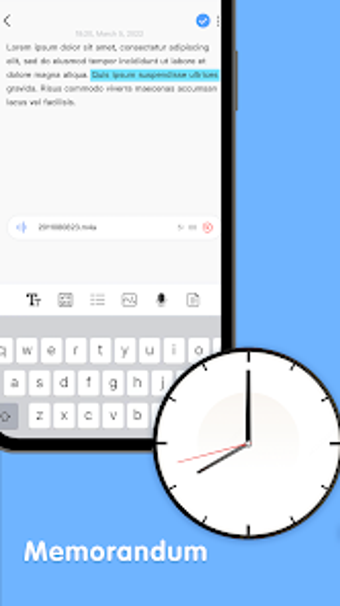
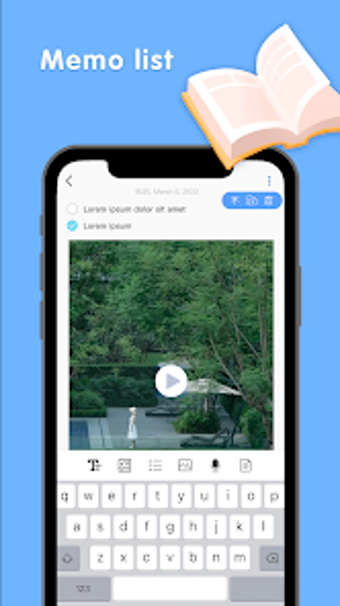
My Notes allows for comprehensive note-taking that extends beyond the written word. Fully customizable and editable, the app supports the ability to insert images, video, audio, and additional tabs. Change your font size and style to quickly format your notes as needed, and switch between background styles to find one that suits your preference.
Like other note apps, you can also create lists and to-dos that are updated as you check tasks off. Switch between tabs to view completed tasks and tasks that are still in process for optimal organization.
Access your notes from anywhere
Notes and memos created with My Notes are stored both locally and synced to Google Drive. Not only will you have a copy on your mobile device, but you’ll also be able to access your notes from other devices that support Google Drive. As you update notes, they’re updated across devices, so you always have the latest version available.
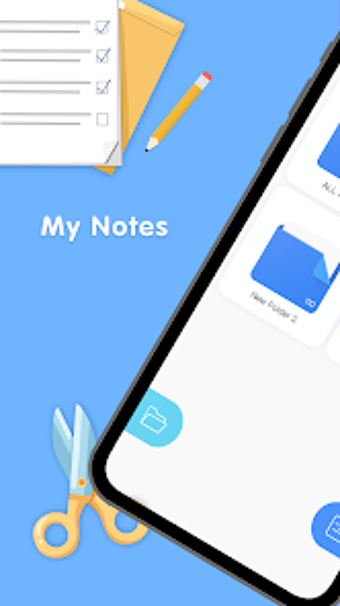
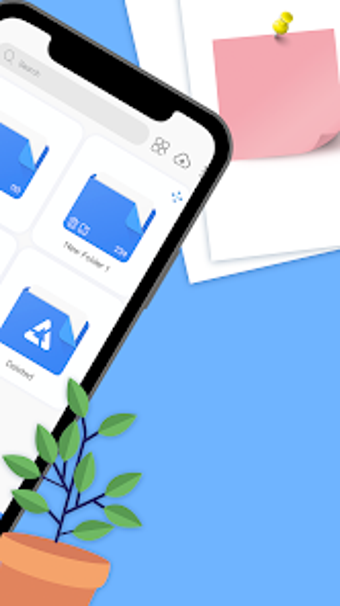
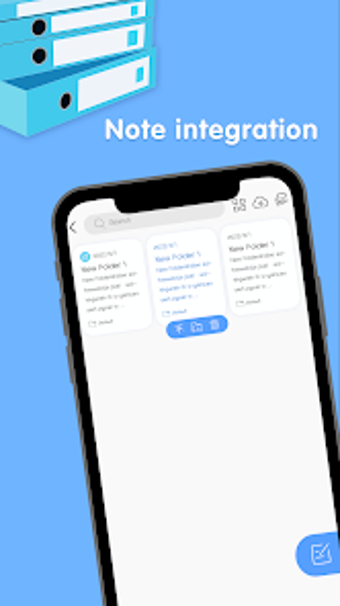
Notes can also be moved between folders, making it easy to keep related notes together. As new ones are created, they’re sorted by date, so you’ll always see the latest changes at the top of your display.
Increase your productivity
My Notes is an all-in-one note-taking and productivity solution that ensures you never forget important dates, details, or tasks. Thanks to its cloud syncing abilities, the benefit of My Notes isn’t limited by the use of your mobile device.